
Question
How to Restore a Virtual Machine from Backup?
Answer
Deleting virtual server does not automatically delete its backups but does delete its snapshots. SolusVM keeps backups of deleted servers until the SolusVM administrator deletes them manually.
Warning: A deleted server restored from a backup does not recover its snapshots.
To restore a backup of a deleted server:
- Go to Backups > Virtual Servers Backups.
On the list of backups, locate one that belongs to the deleted server you want to restore.

Note: You can filter the list to show only backups of deleted servers.
- Click the
 icon next to the backup you want to restore.
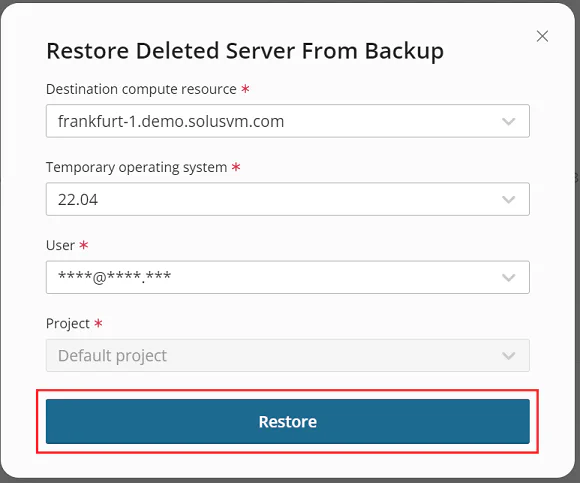
 - Select the following:
- The destination compute resource the restored server will belong to.
- The temporary operating system the restored server will run on.
Click Restore.
Comments
Please sign in to leave a comment.